
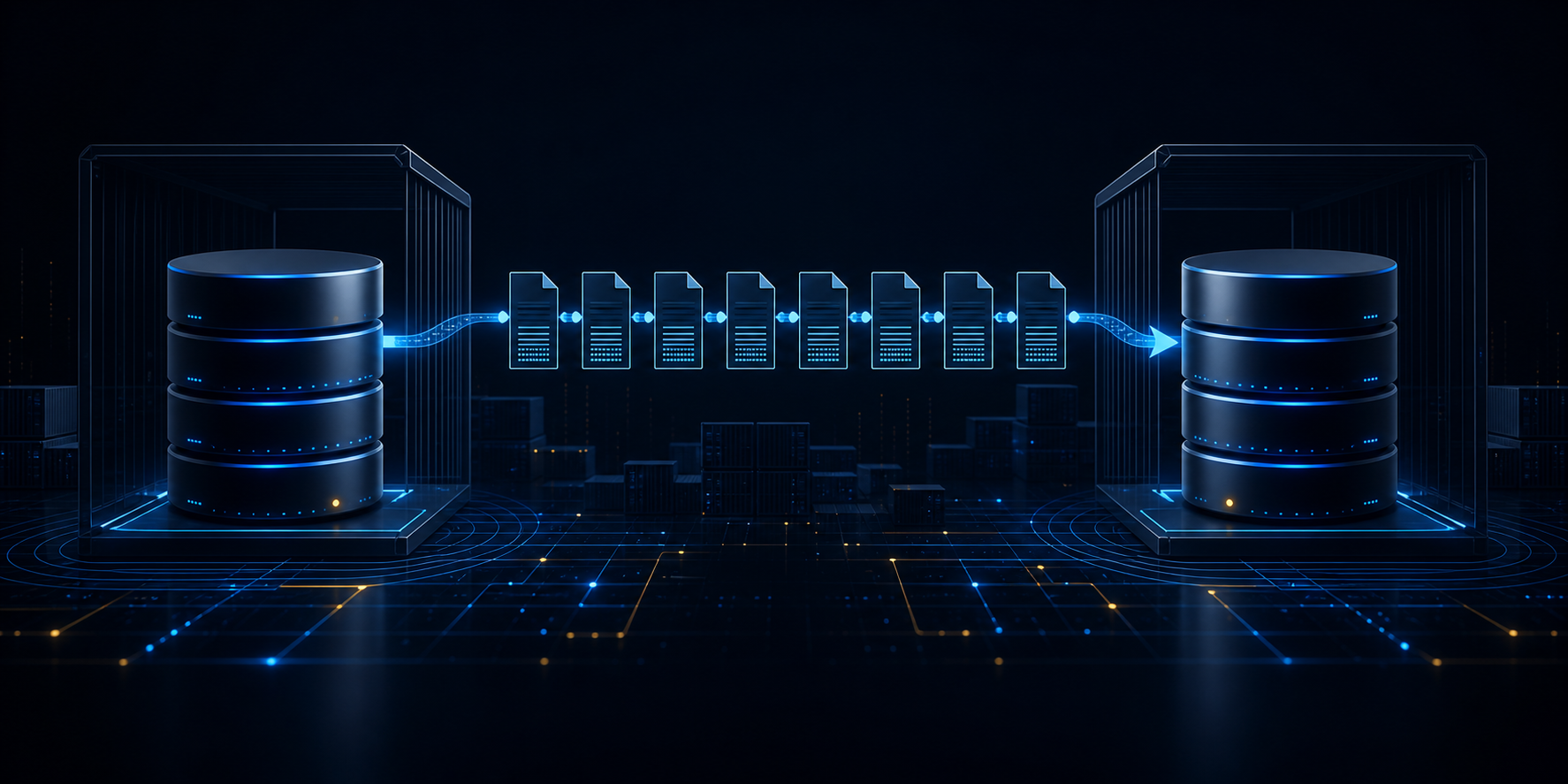
This article is the foundation of a small series dedicated to HADR. HADR is a simple high-availability technology that first appeared in Db2 8.2 and was originally based on Informix HDR. The goal here is not to cover every detail that later articles will explore, but to build an HADR configuration that makes the base operating model visible:
- One primary database
- One standby database
- Propagation of changes from the primary to the standby
- Basic validation that replay is happening on the secondary
The lab uses a simple setup with two Db2 Community Edition 12.1.4 Docker containers on the same host.
1. Lab goals
By the end of this lab you should be able to:
- Explain the roles of HADR primary and standby databases
- Build a minimal two-node HADR lab in Docker
- Configure HADR parameters on both databases
- Restore the primary backup correctly onto the standby
- Start HADR and confirm the pair reaches
PEER - Validate that committed changes on the primary appear on the standby
2. What this article covers and what it does not
This article covers:
- Basic HADR architecture
- A simple configuration with just one standby database and no cluster manager for automation
This article does not cover:
- Cluster management with Pacemaker
- Automatic failover
- Multiple standby databases
- Configuration tuning such as peer window or delayed replay
3. Required environment
For this lab you need:
- Docker and Docker Compose
- 8 GB RAM is usually enough for a small lab on a lightly loaded machine
Db2 LUW 12.1.4 Community Edition is pulled from icr.io.
Important assumptions:
- The lab runs both containers on the same host
- The image tag is pinned to
12.1.4.0to keep the lab reproducible
4. HADR in one minute
At the most basic level, HADR works through these events:
- The primary database receives data changes
- Db2 sends log records to the standby database
- The standby database replays those log records
- The standby database remains ready for takeover if the primary fails
The most important HADR states you will see are:
| State | Meaning |
|---|---|
REMOTE_CATCHUP | The standby is receiving changes and replaying logs, but is not yet fully synchronized with the primary |
PEER | The primary and standby are synchronized at the normal operational level for the selected synchronization mode |
DISCONNECTED | HADR communication is broken |
For this article, the success condition is simple:
- The HADR pair reaches
PEER - A committed change on the primary becomes visible on the standby
- We can perform a manual takeover successfully
4.1 Why HADR starts with backup and restore
HADR does not build the standby by copying tables individually or replaying everything that ever happened on the primary from the beginning. The standby must first start from a consistent image of the primary database, and that is why the setup starts with:
- A backup of the primary database
- Creation of the standby database by restoring that backup
That sequence matters conceptually:
- The backup gives the standby a known and consistent starting point
- The restore makes the standby structurally identical to the primary at that moment
- HADR then keeps the standby current by shipping and replaying logs generated after the backup
4.2 What the primary and standby do
The two roles are not symmetric.
| Role | Responsibility |
|---|---|
| Primary | Accepts application writes, generates log records, and ships them |
| Standby | Receives shipped log records, replays them, and remains ready for takeover |
In the basic configuration used here:
- All updates happen on the primary database
- The standby does not serve normal application workload
- The standby can still be used for administrative checks and occasional validation queries in the lab
4.3 What HADR synchronizes
HADR does not synchronize “rows” directly. It synchronizes the primary and standby through the database log stream:
- An application commits on the primary database
- Db2 writes the corresponding log records
- Those log records are sent to the standby database
- The standby database replays them, updating its own copy of the database
That is why archive logging and roll-forward recovery are so important in HADR setup. Without the correct logging configuration, the standby cannot be maintained through replay of the log stream coming from the primary.
4.4 What the synchronization mode really changes
One of the first HADR parameters people consider is HADR_SYNCMODE. It defines an important trade-off between latency and data protection.
In simple terms:
| Synchronization mode | What it means operationally |
|---|---|
SYNC | Commit on the primary only completes after the standby confirms that the transaction log records have already been written to its own log files. |
NEARSYNC | Commit on the primary still depends on confirmation from the standby, but here the standby can confirm earlier: it is enough that the log records have been received and placed in memory. Confirmation no longer waits for the standby to write the log to disk. |
ASYNC | Commit on the primary completes after the transaction log records have been written to disk and delivered to the TCP stack so they can be sent to the standby. |
SUPERASYNC | Commit completes immediately after the transaction log records are written to disk on the primary. |
This explains why:
SYNCoffers the strongest protection because, at commit time, the log is already persisted on both databasesNEARSYNChas lower latency because the standby does not need to wait for disk write before confirming; it remains a strong protection mode, but accepts slightly more risk
Another way to think about the four synchronization modes is:
| Priority | Better choices |
|---|---|
| Minimize possible transaction loss | SYNC, then NEARSYNC |
| Reduce commit latency impact on the primary | ASYNC, then SUPERASYNC |
| Keep a practical balance in many standard HA scenarios | NEARSYNC |
The useful questions are:
- How much extra commit latency on the primary can we tolerate?
- How much standby lag can we tolerate?
- How much exposure to data loss is acceptable if the primary fails?
4.5 What PEER really means
When the HADR pair reaches PEER, Db2 is telling you that the HADR relationship is fully established for the selected synchronization mode.
Operationally, that means:
- Communication between the databases is working
- The standby is up to date at the level expected for the configured synchronization mode
- The HADR pair is in its normal steady operational state
That does not mean the environment is automatically highly available in the broader cluster sense. In this article there is no cluster manager, no service relocation, and no automatic orchestration. PEER only means the database pair is healthy as an HADR relationship.
4.6 Where Pacemaker enters later
This article deliberately ignores Pacemaker.
Why?
Because Pacemaker solves a different problem:
- HADR keeps the database copies synchronized
- Pacemaker automates resource control and failover decisions around those copies
5. Create the working directory
Run this to create and enter the working directory:
mkdir db2-hadr-foundation-lab
cd db2-hadr-foundation-lab
6. Create docker-compose.yml
Start an editing session to create the file:
vi docker-compose.ymlPaste the following content:
services:
  db2pri:
    image: icr.io/db2_community/db2:12.1.4.0
    container_name: db2pri
    privileged: true
    hostname: db2pri
    environment:
      LICENSE: accept
      DB2INST1_PASSWORD: passw0rd
    ports:
      - "50000:50000"
    volumes:
      - db2pri_data:/database
    healthcheck:
      test: ["CMD", "su", "-", "db2inst1", "-c", "db2 list db directory"]
      interval: 30s
      timeout: 10s
      retries: 15
      start_period: 600s

  db2std:
    image: icr.io/db2_community/db2:12.1.4.0
    container_name: db2std
    privileged: true
    hostname: db2std
    environment:
      LICENSE: accept
      DB2INST1_PASSWORD: passw0rd
    ports:
      - "50001:50000"
    volumes:
      - db2std_data:/database
    healthcheck:
      test: ["CMD", "su", "-", "db2inst1", "-c", "db2 list db directory"]
      interval: 30s
      timeout: 10s
      retries: 15
      start_period: 600s

volumes:
  db2pri_data:
    name: db2pri_data
  db2std_data:
    name: db2std_data
7. Start the containers
Establish the configuration defined in docker-compose.yml:
docker compose up -dWait a little and check container state:
docker psIf either container is still starting, wait and check again:
sleep 30
docker ps
Do not continue until both containers are healthy. In this configuration I set a timeout of 600 seconds. If that is not enough, adjust docker-compose.yml and repeat the previous setup steps.
Verify the Db2 code level:
docker compose exec db2pri su - db2inst1 -c "db2level"
docker compose exec db2std su - db2inst1 -c "db2level"
Both containers should report 12.1.4.0.
8. Create the primary database
Create the primary database in the db2pri container:
docker compose exec db2pri su - db2inst1 -c "db2 create db HADRDB"Create a small table and insert sample data:
docker compose exec db2pri su - db2inst1 -c \
  "db2 connect to HADRDB && \
   db2 create schema app && \
   db2 \"create table app.orders (id int not null, amount decimal(10,2), primary key(id))\" && \
   db2 \"insert into app.orders values (1,100.00),(2,250.00),(3,400.00)\" && \
   db2 commit && \
   db2 connect reset"
9. Enable archive logging on the primary
HADR requires roll-forward recovery, so the primary database must be changed accordingly.
Configure archive logging:
docker compose exec db2pri su - db2inst1 -c \
  "mkdir -p /database/config/db2inst1/archive/HADRDB && \
   db2 update db cfg for HADRDB using LOGARCHMETH1 DISK:/database/config/db2inst1/archive/HADRDB"
Restart the instance:
docker compose exec db2pri su - db2inst1 -c \
  "db2stop force && db2start"
Verify:
docker compose exec db2pri su - db2inst1 -c \
  "db2 get db cfg for HADRDB | grep -i logarchmeth1"
10. Configure HADR on the primary database
Adjust the database configuration to support HADR.
docker compose exec db2pri su - db2inst1 -c \
  "db2 update db cfg for HADRDB using \
   HADR_LOCAL_HOST db2pri \
   HADR_LOCAL_SVC 60000 \
   HADR_REMOTE_HOST db2std \
   HADR_REMOTE_SVC 60000 \
   HADR_REMOTE_INST db2inst1 \
   HADR_SYNCMODE NEARSYNC \
   HADR_TIMEOUT 120 \
   LOGINDEXBUILD ON"
For this article:
| Parameter | Value | Reason |
|---|---|---|
HADR_LOCAL_HOST | db2pri | Primary hostname |
HADR_REMOTE_HOST | db2std | Standby hostname |
HADR_LOCAL_SVC / HADR_REMOTE_SVC | 60000 | Communication port used by HADR |
HADR_SYNCMODE | NEARSYNC | Synchronization mode chosen for this lab |
11. Produce an offline backup of the primary database
Deactivate the database and take the backup:
docker compose exec db2pri su - db2inst1 -c \
  "rm -rf /database/config/db2inst1/backups/hadrdb && \
   mkdir -p /database/config/db2inst1/backups/hadrdb && \
   db2 deactivate db HADRDB && \
   db2 backup db HADRDB to /database/config/db2inst1/backups/hadrdb"
12. Copy the backup image to the standby
Copy the backup so it is available inside the db2std container.
rm -rf /tmp/hadrdb-backup
mkdir -p /tmp/hadrdb-backup
docker cp db2pri:/database/config/db2inst1/backups/hadrdb/. /tmp/hadrdb-backup/
docker compose exec db2std su - db2inst1 -c "rm -rf /database/config/db2inst1/backups/hadrdb && mkdir -p /database/config/db2inst1/backups/hadrdb"
docker cp /tmp/hadrdb-backup/. db2std:/database/config/db2inst1/backups/hadrdb/
13. Restore the database on the standby
Create the standby database by restoring the backup inside db2std.
docker compose exec db2std su - db2inst1 -c \
  "db2 restore db HADRDB from /database/config/db2inst1/backups/hadrdb into HADRDB replace existing without prompting"
SQL2540W with warning 2539 is acceptable here. It occurs because the restore completed, but the standby database is still not ready for normal use: it still requires additional recovery from logs. That is exactly the expected state so it can later be started as a standby through START HADR AS STANDBY.
14. Configure HADR on the standby
Adjust HADR configuration on the standby database.
docker compose exec db2std su - db2inst1 -c \
  "db2 update db cfg for HADRDB using \
   HADR_LOCAL_HOST db2std \
   HADR_LOCAL_SVC 60000 \
   HADR_REMOTE_HOST db2pri \
   HADR_REMOTE_SVC 60000 \
   HADR_REMOTE_INST db2inst1 \
   HADR_SYNCMODE NEARSYNC \
   HADR_TIMEOUT 120 \
   LOGINDEXBUILD ON"
At this point:
- The backup has already been restored on the standby
- HADR parameters on the standby side are already configured
- The database is ready for
START HADR AS STANDBY
15. Start HADR
Start the standby database first:
docker compose exec db2std su - db2inst1 -c \
  "db2 start hadr on db HADRDB as standby"
Then start the primary database:
docker compose exec db2pri su - db2inst1 -c \
  "db2 start hadr on db HADRDB as primary"
16. Confirm HADR state
Check HADR state on both sides:
docker compose exec db2pri su - db2inst1 -c "db2pd -db HADRDB -hadr"
docker compose exec db2std su - db2inst1 -c "db2pd -db HADRDB -hadr"
The HADR pair should move to PEER.
You can also use the mon_get_hadr() table function:
docker compose exec db2pri su - db2inst1 -c \
  "db2 connect to HADRDB && db2 \"select hadr_role, hadr_state from table(mon_get_hadr(-2)) as t\" && db2 connect reset"
17. Basic validations
Now make and commit a change on the primary database:
docker compose exec db2pri su - db2inst1 -c \
  "db2 connect to HADRDB && db2 \"insert into app.orders values (4,500.00)\" && db2 commit && db2 connect reset"
Validate that the data is also visible on the standby database:
docker compose exec db2std su - db2inst1 -c \
  "db2 connect to HADRDB && db2 \"select * from app.orders with ur\" && db2 connect reset"
At this point:
- The primary and standby databases are configured correctly
- Archive logging is active
- HADR has been started on both sides and the pair is in the correct operational state (
PEER) - Changes made on the primary database are applied on the standby
We have not demonstrated:
- Manual takeover
- Automated failover
- Client reroute behavior
- Replay-only window behavior
We will still demonstrate manual takeover.
19. Manual takeover basics
In Db2 HADR, a takeover changes database roles:
- The standby becomes the new primary
- The former primary becomes the standby if it can reconnect and assume that role
This is the simplest failover mechanism to understand because it is initiated explicitly by an operator or administrator.
The basic command is issued on the standby:
db2 takeover hadr on db HADRDBThere is also a variant with by force:
db2 takeover hadr on db HADRDB by forceThe difference matters:
| Command | Typical use |
|---|---|
TAKEOVER HADR | Controlled role switch when both sides are healthy enough for a coordinated transition |
TAKEOVER HADR BY FORCE | Emergency promotion when the former primary is unavailable or the link has been broken |
You should always try a normal takeover first and reserve BY FORCE only for scenarios where the former primary can no longer participate in HADR.
20. Operational concerns before takeover
Before performing a manual takeover, check these points:
| Concern | Why it matters |
|---|---|
| HADR state | A clean takeover works best when the pair is in PEER |
| Application write activity | In-flight work on the former primary may be interrupted by the role change |
| Client connections | Clients need to reconnect to the new primary unless you have a redirection solution |
| Synchronization mode | In looser modes, the standby may lag behind the primary at the moment of failure |
| Forced takeover risk | BY FORCE can increase data-loss exposure if the former primary has committed log records that have not yet been shipped |
21. Validate a clean manual takeover
First confirm the current roles of both databases:
docker compose exec db2pri su - db2inst1 -c "db2pd -db HADRDB -hadr"
docker compose exec db2std su - db2inst1 -c "db2pd -db HADRDB -hadr"
At this stage you should see:
db2prias primarydb2stdas standby
Now perform takeover from the standby:
docker compose exec db2std su - db2inst1 -c \
  "db2 takeover hadr on db HADRDB"
22. Confirm role reversal
Check both sides again:
docker compose exec db2pri su - db2inst1 -c "db2pd -db HADRDB -hadr"
docker compose exec db2std su - db2inst1 -c "db2pd -db HADRDB -hadr"
Now the expected result is:
db2stdis primarydb2priis standby
If that happens, manual takeover worked.
23. Validate writes on the new primary database
Insert a new row on the new primary database, which is now db2std:
docker compose exec db2std su - db2inst1 -c \
  "db2 connect to HADRDB && db2 \"insert into app.orders values (5,650.00)\" && db2 commit && db2 connect reset"
Then validate from the new standby, which is now db2pri:
docker compose exec db2pri su - db2inst1 -c \
  "db2 connect to HADRDB && db2 \"select * from app.orders with ur\" && db2 connect reset"
If the row is visible:
- Roles changed successfully
- Log shipping continued to work correctly after takeover
24. What this manual takeover does not solve
Manual takeover is important, but it remains a manual operation.
By itself it does not provide:
- Automatic primary failure detection
- Automatic promotion of the standby database
- Virtual IP movement
- Automatic application reconnection
That is where cluster management software such as Pacemaker or TSAMP enters.
26. Cleanup
To remove the whole lab, destroy the Docker containers and volumes:
docker compose down -v27. Summary
This is a very simple HADR lab:
- One primary database
- One standby database
- No Pacemaker
- Manual takeover
Even though it is simple, it is useful for understanding the core mechanics before adding more advanced topics such as peer window, delayed replay, or cluster-managed failover.
References
- IBM Docs: High availability disaster recovery (HADR)
- IBM Docs: HADR configuration parameters
- IBM Docs: db2pd command